Remote EMDR software buying guide
How to choose remote EMDR software for a professional practice
Compare remote EMDR software by patient access, therapist-controlled BLS, integrated video, workflow, security evidence, accessibility, support, and total cost.
By the EMDRSuite Editorial Team
Product claims checked against the current EMDRSuite code and interface.
No independent clinical reviewer is named for this guide.
Start with the complete session workflow
List every tool used from scheduling through follow-up: patient invitation, identity procedure, video, visual or auditory BLS, pause signal, settings, notes, billing, and support. A low headline price can become expensive when the practice still needs several subscriptions and repeated setup between them.
Run the same representative workflow in each candidate product. Count patient steps, therapist tab changes, duplicated data, manual transfers, and what happens when either participant disconnects. A feature list cannot reveal this operational load.
Test BLS and video from the patient side
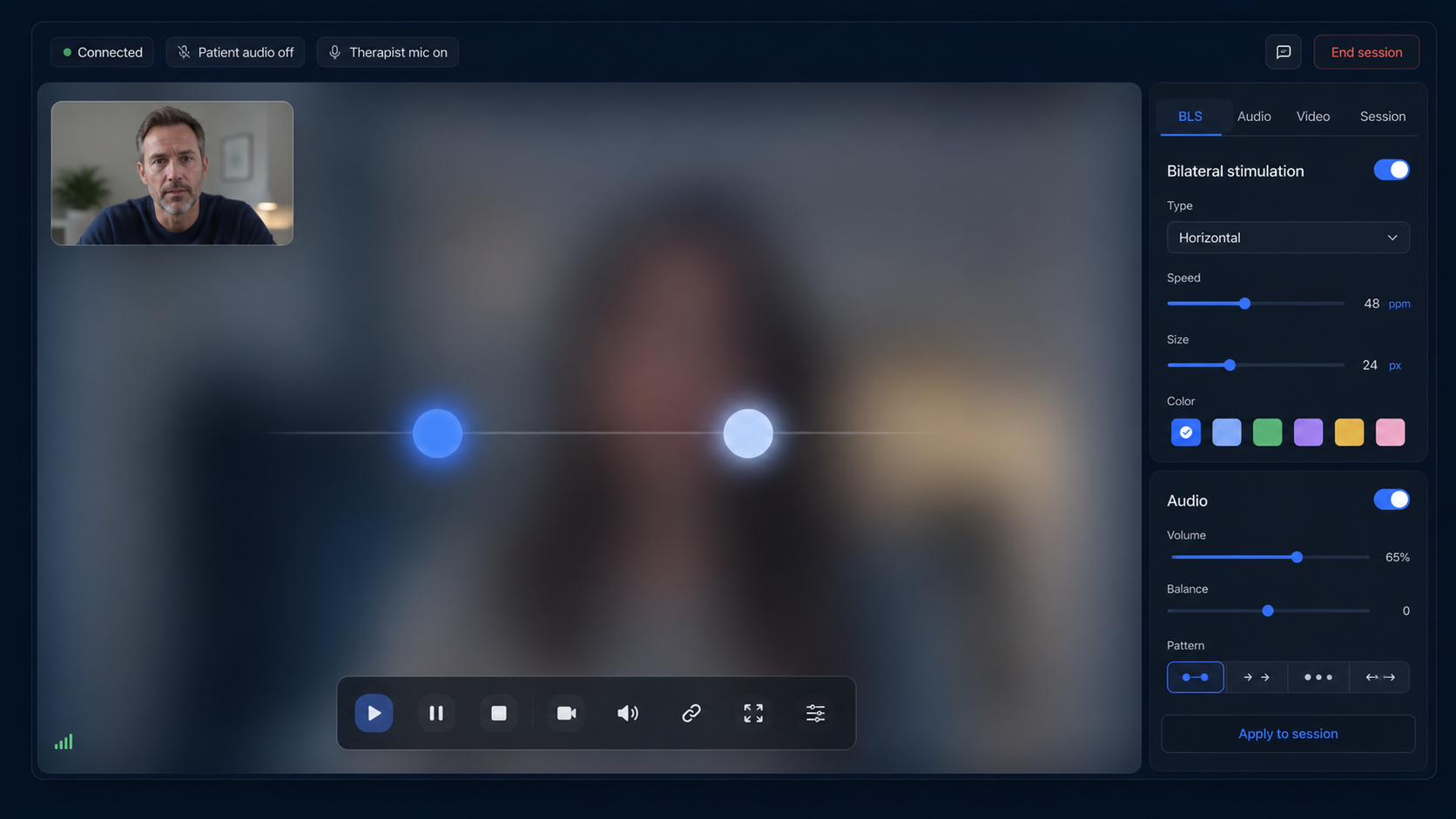
Open the actual patient room on desktop, tablet, and phone. Verify visual smoothness, usable range, speed, size, direction, duration, pause and stop behavior, stereo bilateral audio, camera and microphone permissions, orientation, and reconnection.
Confirm which controls remain with the therapist and which immediate signal remains with the patient. Ask whether video and BLS share one room, whether screen sharing is required, and whether the product accurately describes modalities or hardware it does not provide.
Demand evidence for security, privacy, and accessibility
Read the privacy notice, data processing terms, subprocessors, retention information, incident contact, authentication controls, and deletion process. Separate documented controls from vague badges or absolute compliance claims; legal suitability still depends on the practice, contracts, jurisdiction, configuration, and use.
Accessibility belongs in the buying decision. Test keyboard navigation, focus visibility, readable contrast, zoom, responsive layout, clear errors, labels, and reduced-motion needs against the patients and therapists who will actually use the service.
Compare total cost and make the trial prove value
Record monthly and annual price, tax, user or patient limits, video charges, storage, hardware, onboarding, cancellation, refunds, and every separate service still required. Also include staff time spent preparing links, switching tools, troubleshooting, and documenting sessions.
Before purchasing, complete at least one end-to-end non-clinical test with a second device. Use a written scorecard and require each important criterion to be demonstrated. Choose the product that fits the practice's real workflow and obligations, not the longest feature page.
FAQ
how to choose remote EMDR software
What is the most important remote EMDR software feature?
There is no universal single feature. The strongest fit combines reliable therapist-controlled BLS with usable patient access, appropriate video, contingency behavior, documented controls, and a sustainable workflow.
Should remote EMDR software include video?
Integrated video can reduce tabs and synchronization problems, but the practice must still verify technical quality, privacy terms, contractual fit, accessibility, and backup procedures.
Is free EMDR software enough for professional use?
Price alone cannot answer that. Evaluate access control, reliability, privacy documentation, support, data handling, patient experience, BLS controls, and the cost of separate tools or manual work.
How should I compare EMDRSuite?
Use the same end-to-end test and scorecard applied to every vendor. EMDRSuite offers a free trial so the therapist can test patient links, integrated video, visual and auditory BLS, pause controls, settings, and workflow before subscribing.
References
How to choose remote EMDR software for a professional practice
EMDRSuite
Put the guide into practice with EMDRSuite
Run remote EMDR with visual BLS, bilateral sounds, secure patient links, video-ready sessions, saved settings, and notes.
Continue with related EMDR guides