Patient preparation
How to prepare a patient for an online EMDR session
A therapist-facing preparation guide covering consent, privacy, location, emergency planning, browser access, video, headphones, bilateral stimulation, and backup communication.
By the EMDRSuite Editorial Team
Product claims checked against the current EMDRSuite code and interface.
No independent clinical reviewer is named for this guide.
Explain the remote format before sending links
Describe how video, bilateral stimulation, pause controls, and communication will work. Confirm that the patient understands the limits of remote care and has agreed to the practice's consent and privacy process.
Keep instructions practical and avoid sending clinical targets or sensitive session content in ordinary link messages.
Confirm place, privacy, and support
At the start of each appointment, verify the patient's physical location, privacy, emergency contacts, local resources, and whether anyone else is present. Agree on what the therapist should do if the patient disconnects or cannot continue.
Test the room, not just the video call
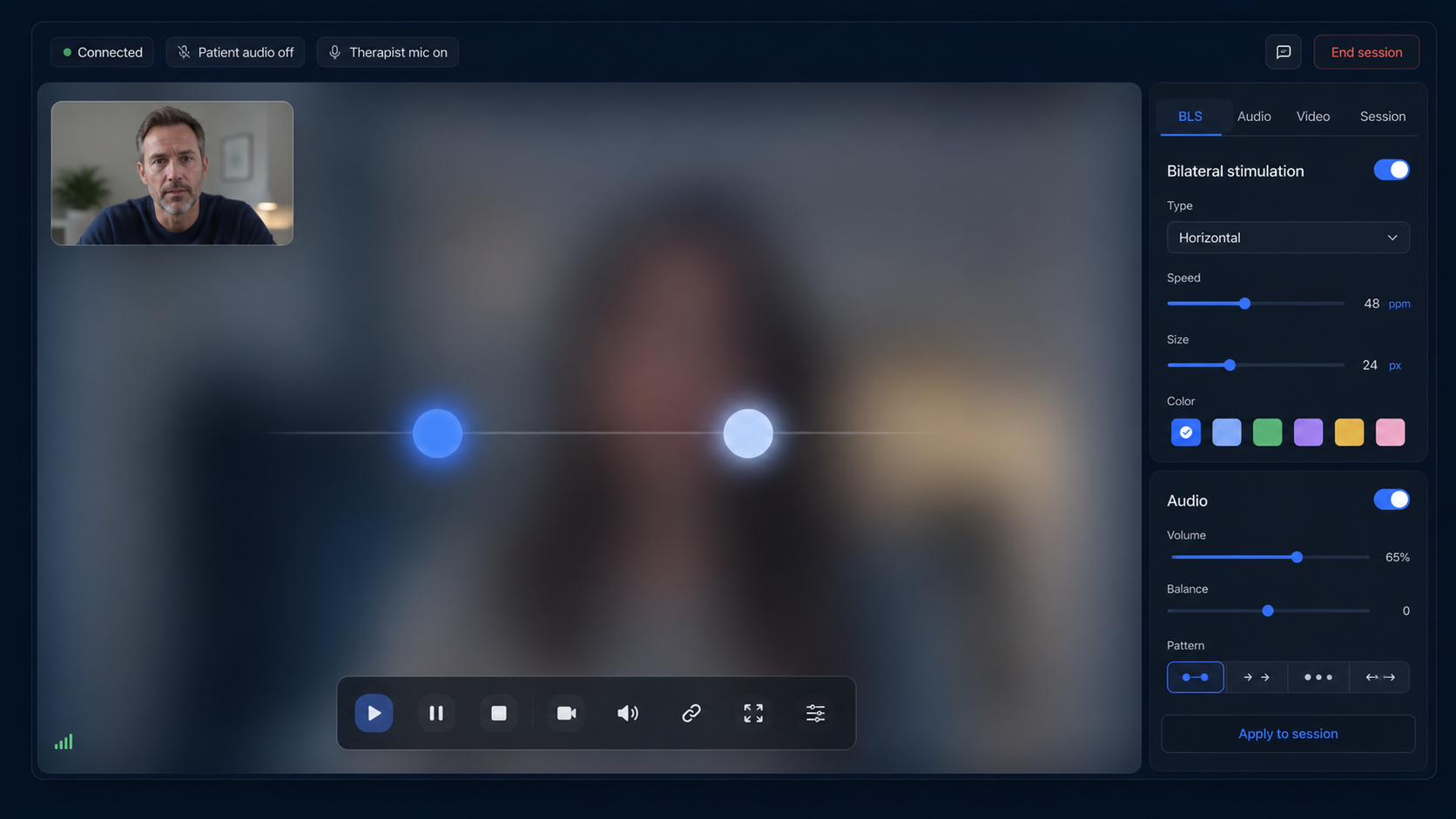
Open the patient link on the actual device, grant camera and microphone permissions, select headphones for bilateral audio, and confirm that the visual path is large and smooth enough. Show the patient how to pause, mute, hide video, and re-enter after a disconnect.
Reduce avoidable interruptions
Ask the patient to connect power, silence notifications, close bandwidth-heavy apps, position the screen comfortably, and keep the backup contact available. The therapist should leave time before processing to resolve issues without rushing.
Preparation should be individualized. A checklist supports consistency, but suitability and pacing remain clinical decisions.
FAQ
prepare patients for online EMDR
Should patients test the EMDR link before the appointment?
Yes. A short test can identify browser, permission, audio, screen-size, and connection problems before clinical time begins.
Are headphones necessary?
They are recommended when alternating left-right bilateral audio is used. Visual-only work may not require them.
What backup information is needed?
The therapist should have the patient's current location, appropriate emergency contacts, and a pre-agreed communication method if the session disconnects.
Can the same preparation be used for every patient?
No. The checklist is operational; the qualified therapist adapts preparation to the individual, setting, risk, phase of work, and local requirements.
References
How to prepare a patient for an online EMDR session
EMDRSuite
Put the guide into practice with EMDRSuite
Run remote EMDR with visual BLS, bilateral sounds, secure patient links, video-ready sessions, saved settings, and notes.
Continue with related EMDR guides