Secure EMDR patient access
Secure patient links for remote EMDR sessions: practical guide
Learn how private patient links can reduce login friction while supporting controlled access, expiry, revocation, data minimization, and a clear remote EMDR joining flow.
By the EMDRSuite Editorial Team
Product claims checked against the current EMDRSuite code and interface.
No independent clinical reviewer is named for this guide.
A private link is a credential, not a public meeting address
A patient link should contain a high-entropy, unpredictable token and travel only through the communication channel agreed with the intended patient. Treat possession of the link as sensitive: do not publish it, place it in a shared calendar description, or reuse it as a permanent public doorway.
The page opened by the link should reveal no more information than needed to join the intended room. Patient records, therapist notes, billing, settings, and other sessions belong behind the professional account, not inside the patient-facing URL flow.
Reduce friction without removing access controls
Requiring every patient to create another account can add passwords, recovery requests, and confusion shortly before an appointment. A scoped link can provide direct entry while the therapist remains authenticated and controls the session from the professional workspace.
Low friction is not the same as unrestricted access. The service should validate the token server-side, use encrypted transport, limit what the token authorizes, and avoid exposing whether unrelated patient records exist.
Plan expiry, revocation, and accidental forwarding
Define when a link becomes valid, how long it remains useful, and what happens after the appointment. A therapist should be able to end access or replace a link when it was sent to the wrong person, posted in the wrong thread, or otherwise suspected to be exposed.
Support messages should never ask a patient to paste a complete active token into an unprotected channel. Share only the minimum diagnostic detail and revoke a link before investigating suspected disclosure.
Test the complete patient journey
Open the real link in a private browser window on the intended device. Check the waiting or entry state, camera and microphone permissions, readable controls, error handling, expired-link behavior, reconnection, and what appears in browser history or page titles.
Document the operational process for sending, verifying, replacing, and closing links. The therapist or organization still needs an appropriate legal basis, consent process, retention policy, identity procedure, and local privacy review; software does not decide those obligations.
FAQ
secure patient links remote EMDR
Does a patient need an EMDRSuite account to join?
No. The patient can enter the assigned room through the private session link while professional records and controls remain behind the therapist login.
Can a private link be forwarded?
Any recipient could potentially forward a URL. Send it only through the agreed channel, avoid public locations, and replace or revoke it when exposure is suspected.
Should a patient link include a name or diagnosis?
No. Keep identifiers and clinical information out of the URL and minimize what the patient-facing page displays.
Is a private link alone sufficient for every compliance requirement?
No. Technical access is only one control. The practice remains responsible for identity, consent, contracts, retention, incident handling, clinical safety, and applicable law.
References
Secure patient links for remote EMDR sessions: practical guide
EMDRSuite
Put the guide into practice with EMDRSuite
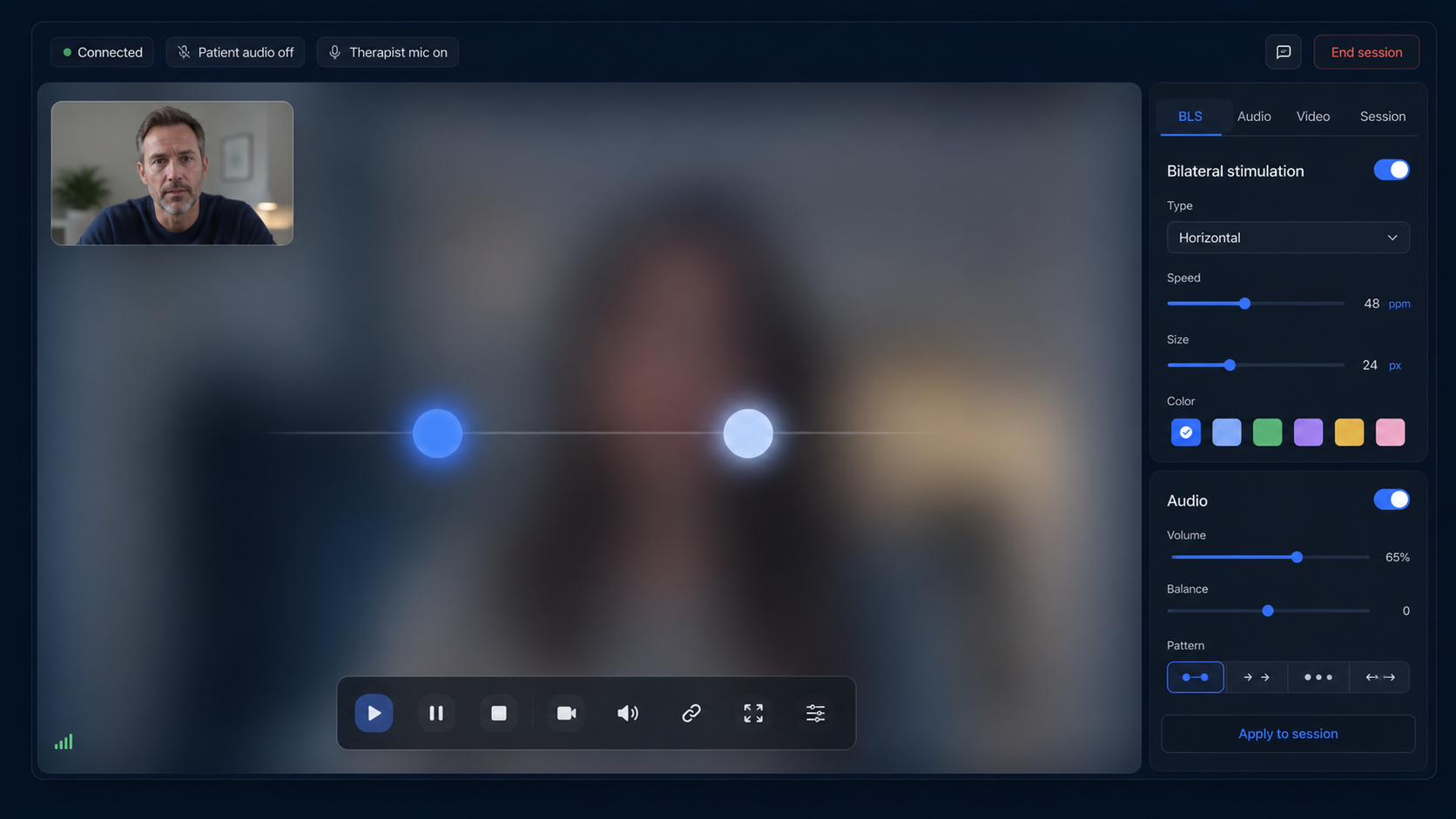
Run remote EMDR with visual BLS, bilateral sounds, secure patient links, video-ready sessions, saved settings, and notes.
Continue with related EMDR guides