Product tutorial
See how EMDRSuite runs a remote EMDR session from start to finish
Rehearse your first remote session with a fictional profile, a second browser or device, and no clinical information.
The product in action
Before, during and after every session.
Explore EMDRSuite and learn at your own pace. Two videos with real screens, clear explanations and a fictional patient.
Explore the patient profile, room and tools that help you prepare for the next appointment.
Fictional data and test media. Synthetic English narration; subtitles in four languages. Pause and repeat any step.
Read the full explanation
EMDRSuite brings preparation, sessions and follow-up together. Explore it with a fictional patient.
Open the patient’s profile. Their details, session history and notes come together here, without searching through separate documents.
Before the next appointment, review your notes and recorded SUD and VOC values. You interpret that information and decide how to continue.
Create a room and copy the patient’s link. That link gives them access to the space you have prepared.
The patient opens the link and selects Join session. They do not need to create an account or install an app.
Check that you can see and hear each other. Video calling and stimulation share one space, helping you keep your attention on the session.
Adjust speed, size and audio. You can save the patient’s settings and reuse them when creating another session.
You start and pause bilateral stimulation. The patient sees the stimulus on their screen while you keep control.
The worksheet organises your records by phase. You can also consult the cognition library as a resource alongside your professional judgement.
Save your notes and end the session. The patient’s link closes and the records remain linked to that appointment.
Return to the patient’s profile. Use the history to review notes and open the saved worksheet. Your records are ready when you prepare the next session.
Preparation, sessions and follow-up in EMDRSuite. Learn with the step-by-step guide.
Your first practice session
Try the complete workflow in three steps
Use a fictional profile and a second device or private browser window. Keep real patient information out of this rehearsal.
Create a fictional profile
Create your therapist account, open Patients and add a fictional name. Choose New session to open your room.
Open the patient link
Copy the session link to a second device or private window. Join as the patient and check camera, microphone and headphones on both sides.
Run, pause and finish
Start BLS, change the pace and enable alternating sound. Test the patient pause, reconnect the patient window, then end the session from the therapist room.
No card. No automatic charge. Afterwards, choose €24.99/month.
See both sides of a real session
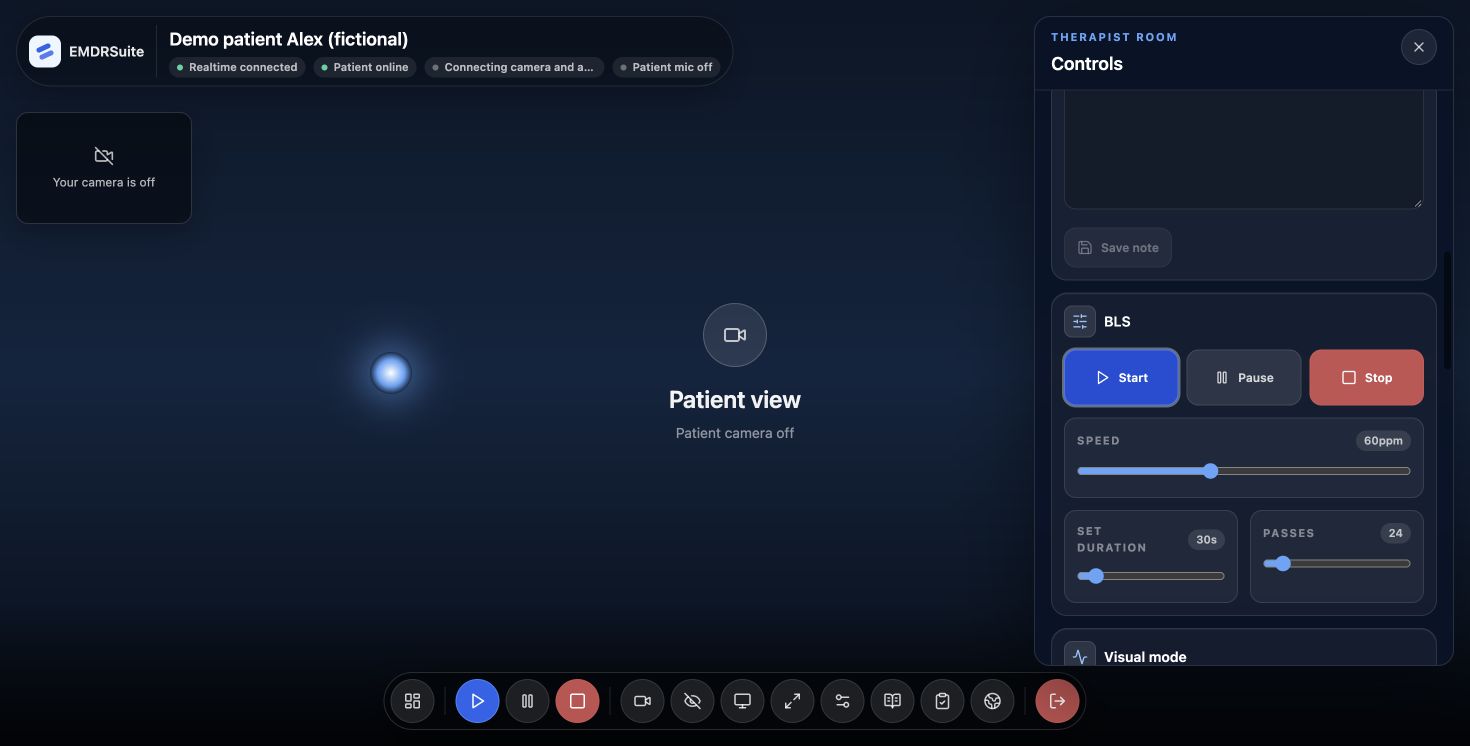
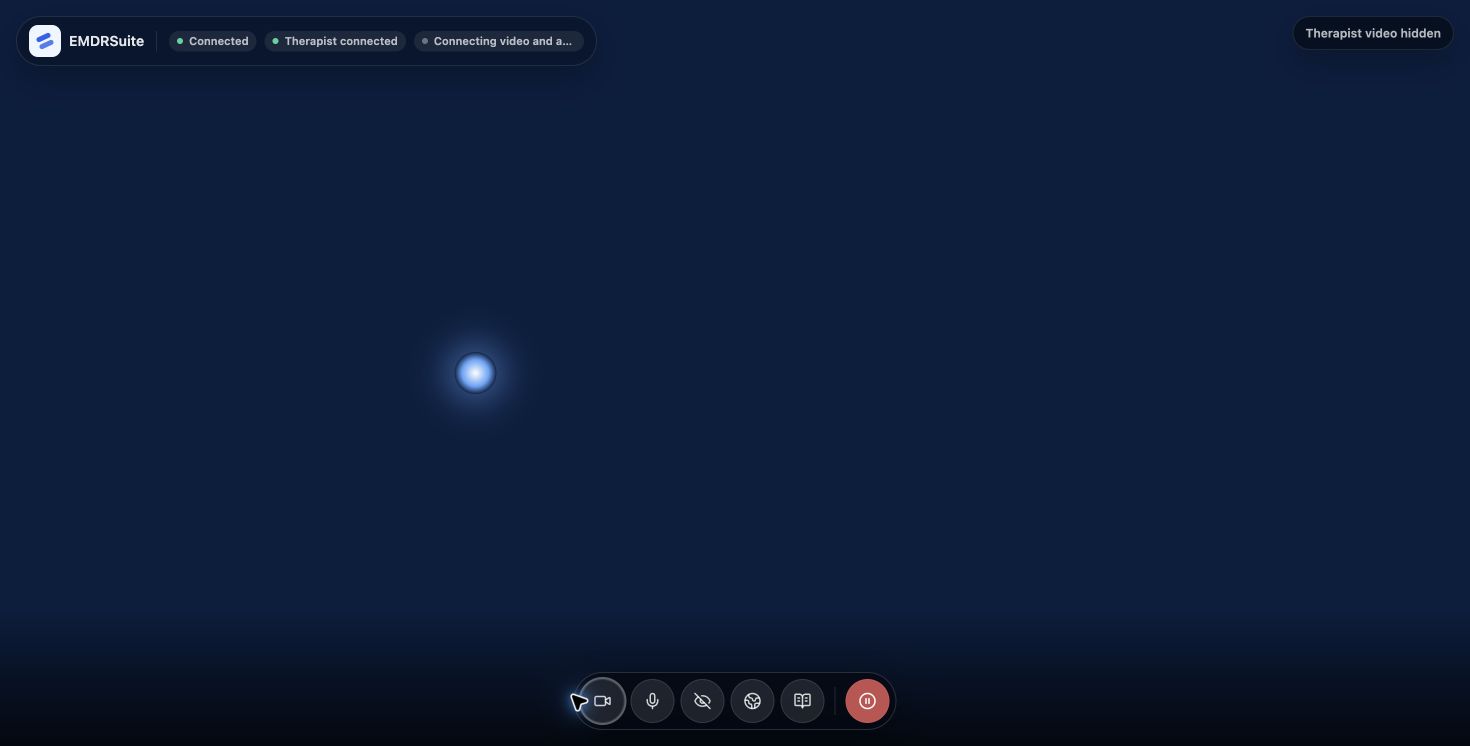
Actual product screens captured with a fictional profile. The public BLS demo previews the stimulus; patient links and integrated video are available in your trial workspace.
Before using the product in your practice
Check your browser permissions, left/right audio with headphones, the patient's pause control and your fallback plan if the connection drops.
Review privacy and security