Online EMDR connection guide
Online EMDR video troubleshooting: frozen calls, echo, and reconnection
A practical troubleshooting sequence for frozen EMDR video, echo, delayed audio, dropped calls, and reconnection without losing the session's agreed safety plan.
By the EMDRSuite Editorial Team
Product claims checked against the current EMDRSuite code and interface.
No independent clinical reviewer is named for this guide.
Separate a local device problem from a connection problem
Start with what each person can observe. If only one camera preview is missing, check that person's permissions and selected device. If both participants see freezing, delay, or repeated reconnecting, treat the network path as the likely variable and avoid changing several settings at once.
Close bandwidth-heavy downloads, cloud backups, streaming tabs, and unused video apps. Keep the patient room open, connect the device to power, and move closer to the Wi-Fi access point or use a wired connection when available.
Fix echo, robotic sound, and delayed speech
Echo usually means a microphone is capturing audio from speakers. Use headphones, lower speaker volume, and confirm that only one room tab or device is connected nearby. A robotic voice or long delay more often points to unstable connectivity or a saturated network.
Pause before speaking over one another and test with video temporarily disabled. If audio becomes stable, restore video at a lower demand or continue only through the previously approved fallback when that remains clinically appropriate.
Recover from frozen video or a dropped room
When the picture freezes but audio continues, stop active bilateral stimulation, wait briefly, and check the room's connection state. Reload only after both people know what will happen; reopening the same private link should be a deliberate reconnection step, not repeated guesswork.
If the room drops completely, use the agreed backup channel. Reconfirm contact, current location when required by the care plan, and whether the clinical context supports resuming. Technology recovery does not automatically mean the session should continue.
Prevent repeat failures with one controlled test
After the session, reproduce the setup without clinical content: same device, browser, network, camera, microphone, headphones, and patient link flow. Change one variable at a time and record only operational findings such as browser version, device type, time, and symptom.
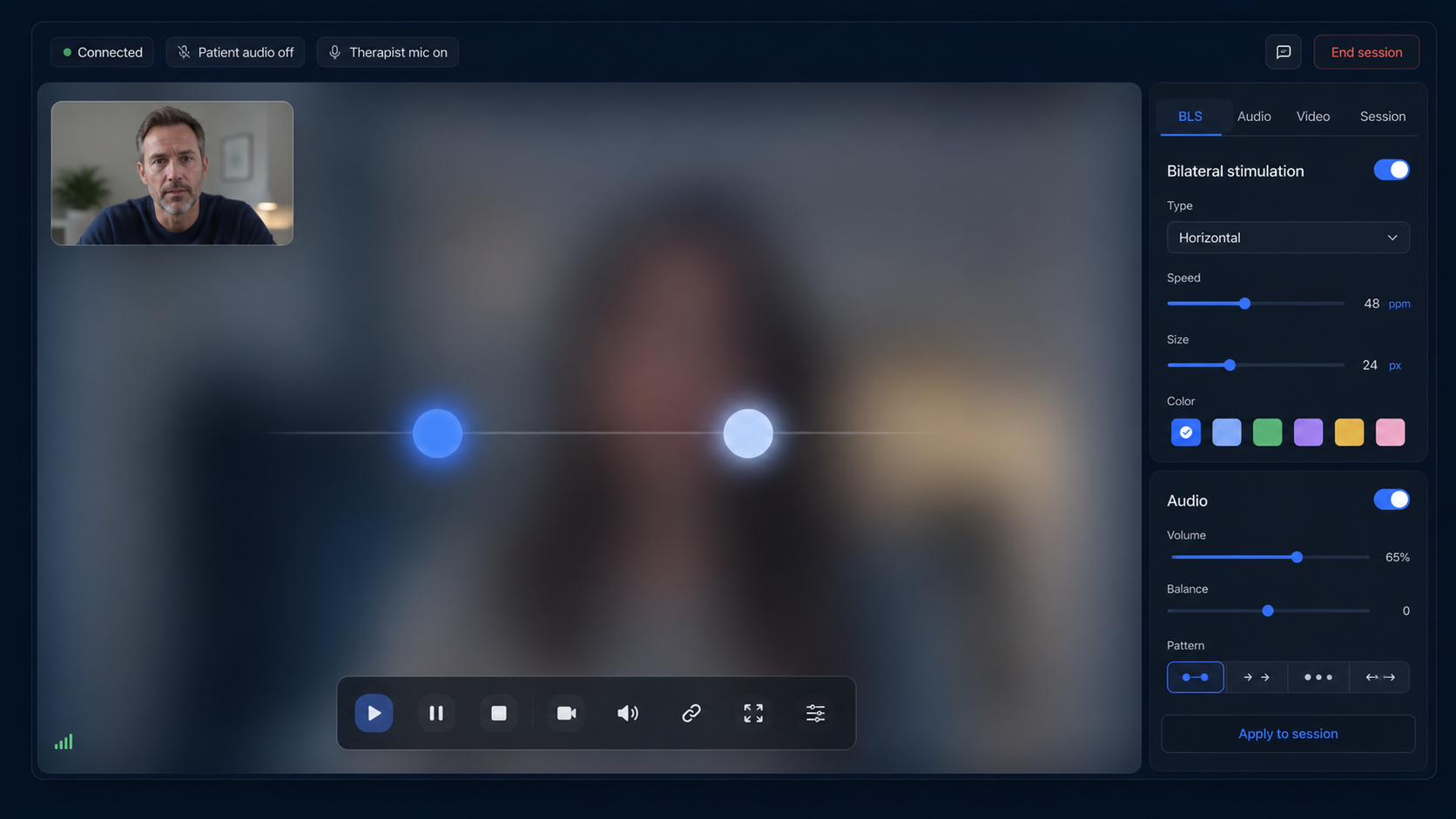
A useful pre-session test covers entry, two-way speech, video stability, visual BLS, stereo bilateral audio, pause, brief network interruption, and re-entry. Keep an alternative contact method available even after a successful test.
FAQ
online EMDR video troubleshooting
What should stop first when the EMDR video freezes?
Stop or pause active bilateral stimulation, establish contact, and follow the agreed contingency plan before attempting technical recovery.
Why can audio work while video freezes?
Audio generally needs less bandwidth than video, so an unstable or congested connection may preserve speech while dropping or delaying images.
Will reloading the page fix every dropped call?
No. It may rebuild the WebRTC connection, but it will not fix weak Wi-Fi, a blocked network, unavailable hardware, or an unsuitable clinical situation.
What technical details are appropriate for support?
Share the device, operating system, browser version, approximate time, and observable error. Do not include patient identity, clinical targets, notes, or session content.
References
Online EMDR video troubleshooting: frozen calls, echo, and reconnection
EMDRSuite
Put the guide into practice with EMDRSuite
Run remote EMDR with visual BLS, bilateral sounds, secure patient links, video-ready sessions, saved settings, and notes.
Continue with related EMDR guides