Bilateral sounds guide
EMDR bilateral sounds: a therapist guide for remote sessions
A clear guide to using EMDR bilateral sounds online, including left/right alternation, volume, pacing, patient comfort, and synchronization with visual BLS.
By the EMDRSuite Editorial Team
Product claims checked against the current EMDRSuite code and interface.
No independent clinical reviewer is named for this guide.
Confirm a true stereo path before the session
Bilateral audio depends on distinct left and right output. Test channel identity with the exact patient device, browser, adapter, and headphones planned for the appointment; a successful microphone test does not prove that stereo playback is correct.
Bluetooth accessibility settings, mono-audio options, damaged cables, speaker playback, or an incorrectly seated adapter can collapse both channels into the same perceived location. Use neutral test audio and no clinical material when checking the path.
Unlock browser audio deliberately
Browsers commonly restrict audible playback until the user clicks or taps the page. The patient should complete the room's audio-enable action and hear a brief left-right check before a set begins rather than discovering silence after attention has shifted.
If sound remains unavailable, inspect the selected output, tab mute state, operating-system volume, browser permission or autoplay state, and competing apps. Change one variable at a time so the cause is observable.
Calibrate volume, sound, and pacing separately
Set a comfortable volume before choosing pace. A sharp transient, long tone, or large level difference can distract even when alternation is technically accurate. Patient feedback matters more than the nominal volume percentage shown by software.
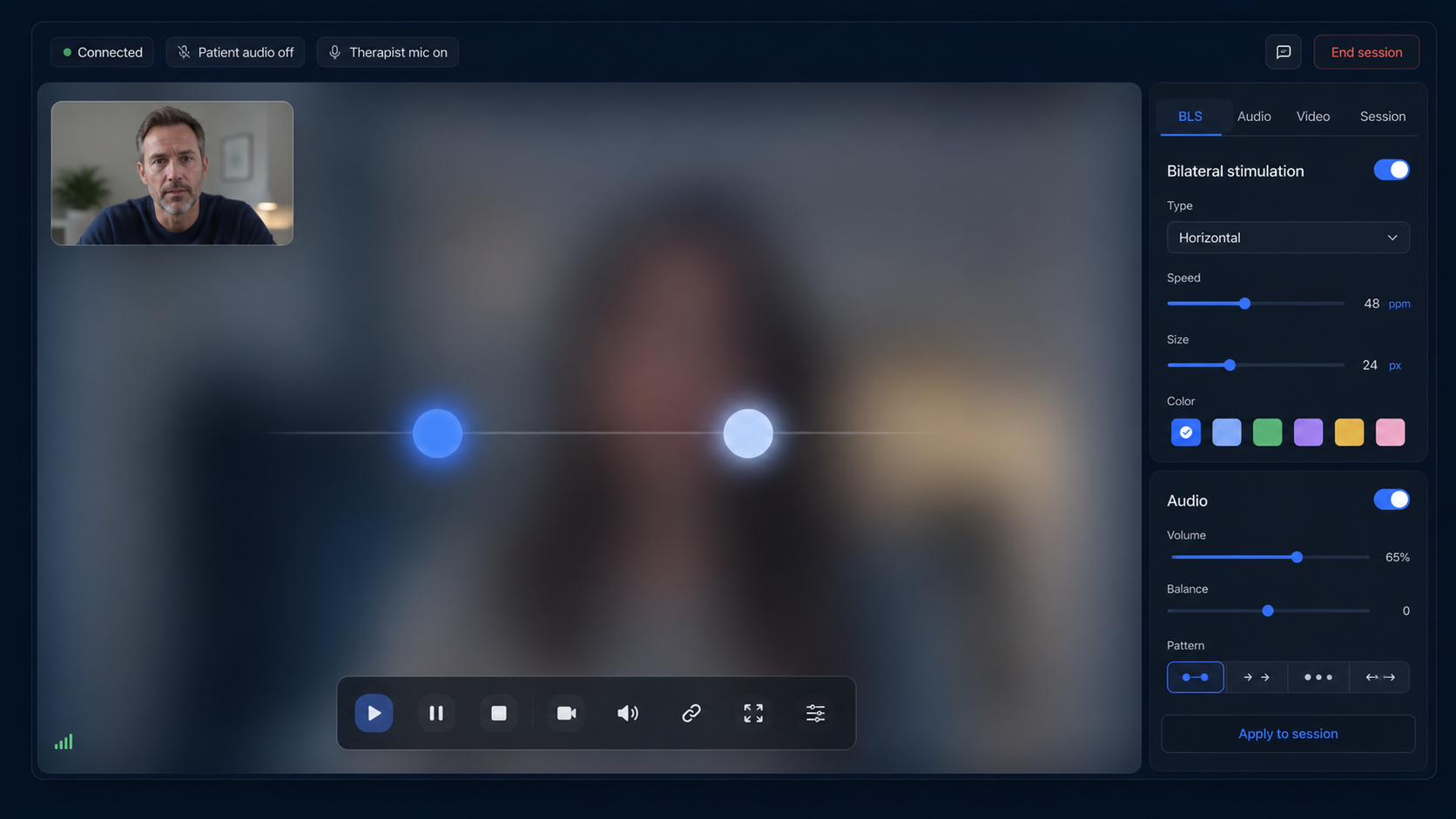
When visual and auditory BLS are combined, confirm that the perceived left-right change remains aligned with the moving target. If synchronization, comfort, or attention deteriorates, pause and reassess instead of compensating by increasing speed or volume.
Document the setup without turning it into a prescription
Record only the operational settings useful for continuity, such as modality, sound choice, approximate volume, headphones, and whether a technical adjustment was needed. Do not treat a saved preset as proof that the same setup remains suitable next time.
Bilateral sounds are a delivery option within therapist-led work, not a standalone treatment. EMDRSuite can alternate and synchronize audio, but it cannot evaluate hearing, sensory tolerance, readiness, consent, or clinical response.
FAQ
EMDR bilateral sounds
Why do bilateral sounds require headphones?
Stereo headphones usually make left-right separation clearer and more private than speakers.
Why is the room silent even though video works?
The browser may require a user interaction to enable audio, or the wrong output or mute setting may be active.
Can mono audio provide left-right alternation?
No. A mono path combines the channels, so the planned alternation should be tested before use.
Should audio always match visual BLS?
Only when the therapist chooses combined delivery; either modality may also be used independently.
References
EMDR bilateral sounds: a therapist guide for remote sessions
EMDRSuite
Put the guide into practice with EMDRSuite
Run remote EMDR with visual BLS, bilateral sounds, secure patient links, video-ready sessions, saved settings, and notes.
Continue with related EMDR guides